Dining Service Onboarding in 3 Hours
Get new dining service team members up to speed in just three hours with this comprehensive onboarding program covering food safety, hygiene, service standards, and operational best practices.
Already a customer? You can add this collection to your library and be up-and-running in minutes.
Get started for as low as $275
"*" indicates required fields
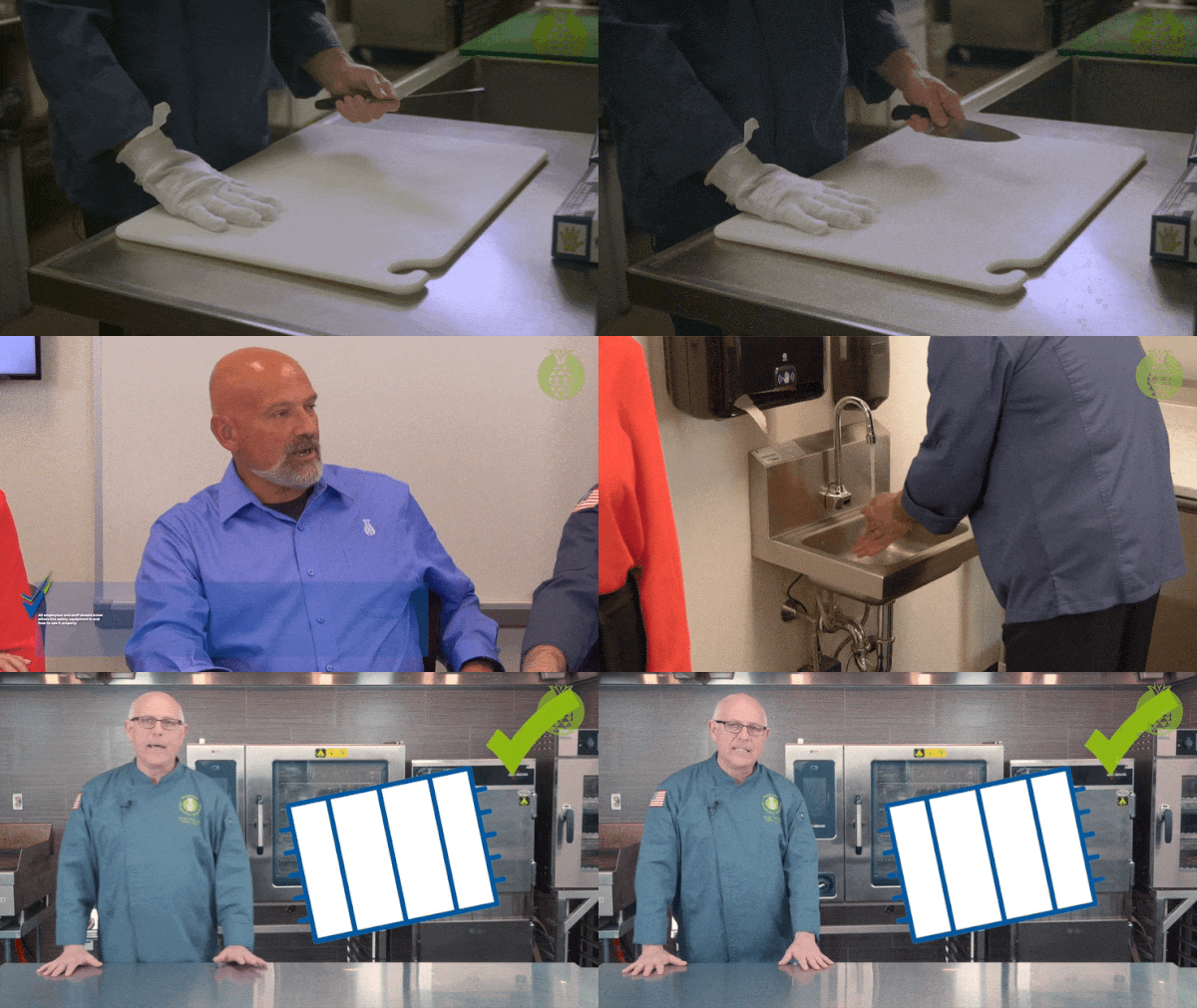
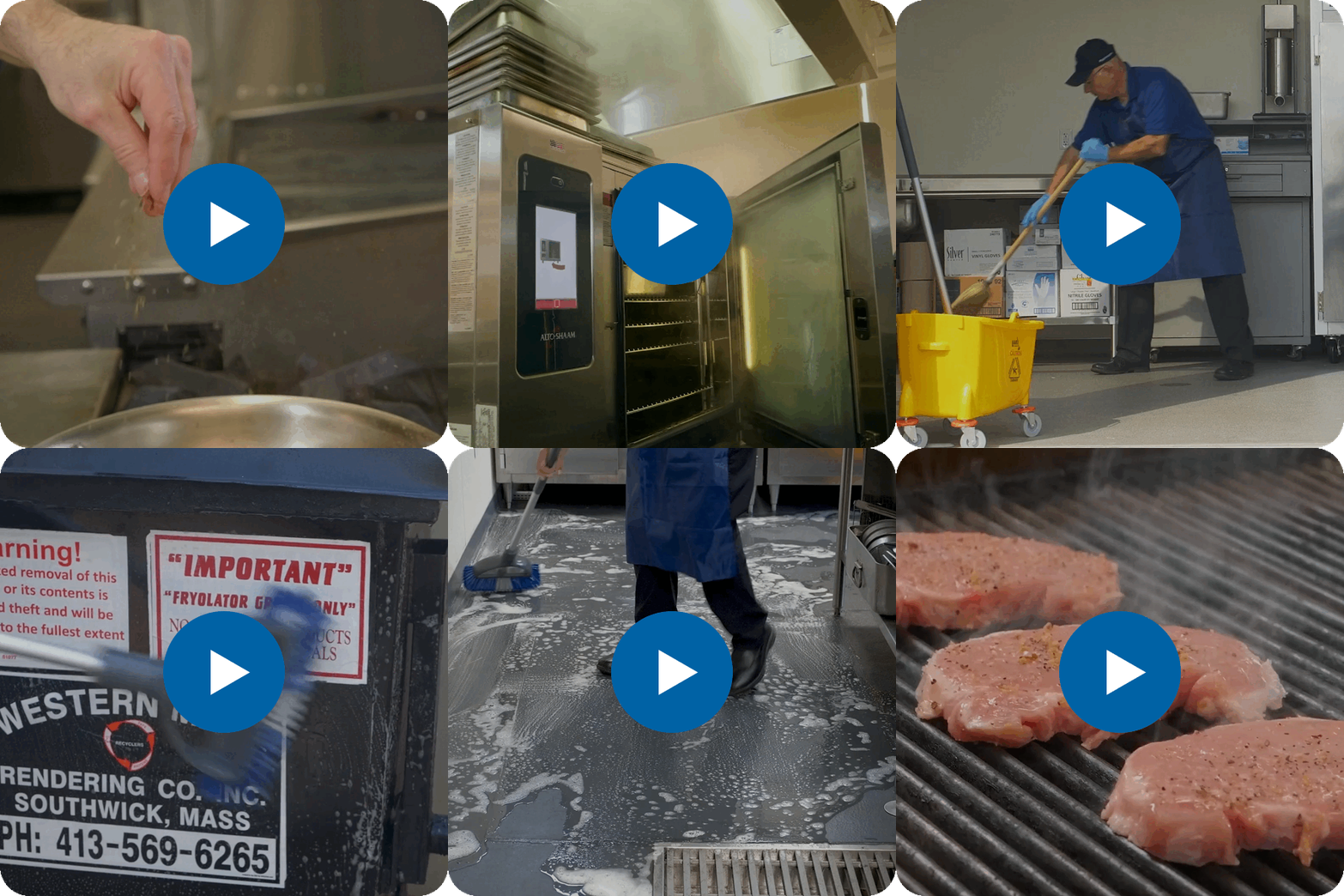
Preview the Courses
What's Included
How to Roll Out Dining Service Onboarding in 3 hours
FOR MANAGERS / ADMINISTRATORS
How to setup:
- Ensure all new hires are added as Users in Pineapple Academy with their own access code. Make sure they know what their access code is.
- Add this package, "Dining Service Onboarding in 3 Hours", to your Library.
- In My Library, click on the title or thumbnail of "Dining Service Onboarding in 3 Hours" to access the Details page.
- Before sharing with your team, preview the content by clicking "Preview" or scrolling down to the "Units" section.
- Share with your new hires by clicking "Download" from the Details page and selecting one of the options. "Download PDF" will export the QR code to an easy-to-print sheet. We recommend hanging a sheet with the QR code in a prominent place, such as the break room. You should only need to do this once.
- Save the "Skills Check Template" under "Units" on the Details page and print a copy for each new hire.
FOR TRAINERS
Onboarding new hires:
- Confirm that the new hire has been setup with an access code to Pineapple Academy.
- Get a printed copy of the "Skills Check Template" from your administrator for each new hire.
- Show each new hire how to scan the QR code for "Dining Service Onboarding in 3 Hours" using the poster and using their access code to begin the training. This can be done using most any mobile device/smart phone with a camera.
- Encourage the new hire to take one course per day (about 20-25 minutes) before they begin their shift.
- After each course is complete, use the Skills Check Template to walk through a skills demonstration with the new hire.
- After all courses have been completed and all skills have been demonstrated, sign the Skills Check document for that new hire and file it for future reference.
Recommended training schedule:
- Shift #1: Personal Hygiene Fundamentals
- Shift #2: Foodborne Illness & Cross Contamination
- Shift #3: Workplace Safety & Environmental Controls
- Shift #4: Emergency Readiness & Risk Prevention
- Shift #5: Keeping the Dining Room Clean
- Shift #6: Dining Room Fundamentals
- Shift #7: Sequence of Service
After completing this training, new hires should be equipped with the fundamentals they need to competently navigate the dining room.
Key Competencies
- Demonstrate the 6-step proper handwashing technique in accordance with CDC and local health department standards.
- Identify approved kitchen attire, including the specific requirements for hair restraints, jewelry limitations, and nail hygiene (polish and length).
- Select the appropriate glove type based on the specific culinary task and potential allergen risks.
- Execute proper gloving procedures, including when to change gloves and how to avoid "false security" contamination.
- Recognize and mitigate common cross-contamination triggers caused by improper glove use or poor hygienic practices.
Key Competencies
- Differentiate between the primary types of foodborne illness, including biological and chemical hazards.
- Identify common sources and pathways of cross contamination in a foodservice environment.
- Apply best practices for infection prevention to reduce the spread of foodborne illness.
- Recognize the Temperature Danger Zone (TDZ) and implement strategies to keep food within safe temperature ranges.
- Evaluate real-world scenarios to determine appropriate corrective actions for food safety risks.
Key Competencies
- Identify common workplace hazards, including spills, clutter, and unsafe walking surfaces.
- Implement effective strategies to prevent slips, trips, and falls in kitchen and dining areas.
- Demonstrate proper use of personal protective equipment (PPE) during cleaning and chemical handling tasks.
- Apply safe chemical storage practices in accordance with labeling and regulatory guidelines.
- Distinguish between potable and non-potable water sources and their appropriate uses.
Key Competencies
- Identify different types of emergencies and disasters that may impact dining service operations.
- Explain individual roles and responsibilities during an emergency situation.
- Utilize safety audit tools to proactively identify and mitigate risks.
- Demonstrate proper response procedures for fire and kitchen-related emergencies.
- Recognize common food allergens and implement strategies to prevent allergen exposure.
Key Competencies
- Differentiate between cleaning, sanitizing, and disinfecting, and identify when each is required.
- Select appropriate cleaning cloths and materials based on task and surface type.
- Demonstrate proper techniques for cleaning and maintaining dining room areas.
- Perform effective vacuuming and floor care to maintain a safe and presentable environment.
- Maintain a clean and organized workstation to support ongoing sanitation efforts.

Key Competencies
- Describe the roles and responsibilities of front-of-house (FOH) team members.
- Identify appropriate and inappropriate service behaviors through FOH do’s and don’ts.
- Apply best practices for professional communication and guest interaction.
- Demonstrate proper service etiquette during meal service.
- Recognize how individual performance contributes to overall guest satisfaction.

Key Competencies
- Outline the full sequence of service from pre-opening through post-service responsibilities.
- Complete required side work tasks to support efficient dining operations.
- Utilize pre-opening checklists to ensure service readiness.
- Demonstrate effective guest engagement, including greeting, order taking, and checkbacks.
- Execute proper closing procedures to ensure a smooth and professional end to the dining experience.
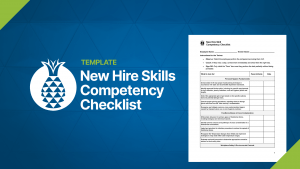
To be used with the Dining Service Onboarding in 3 Hours collection.
This printer-friendly template is for trainers to use to evaluate each new hire. This ensures new hires can demonstrate competencies covered in the Dining Service Onboarding in 3 Hours collection.
Kitchen Onboarding in 3 Hours
Starter
- Built for teams of 15 or less
- Thousands of ready-to-use training videos and courses
- Easy sharing via QR codes, links, posters, or your existing LMS
- Unlimited users and full reporting capabilities
- Support via email and Office Hours sessions
Team
- Built for teams of 50 or less
- Thousands of ready-to-use training videos and courses
- Easy sharing via QR codes, links, posters, or your existing LMS
- Unlimited users and full reporting capabilities
- Two live onboarding sessions + Email Support + Office Hours
Location
- Built for teams of 100 or less
- Thousands of ready-to-use training videos and courses
- Easy sharing via QR codes, links, posters, or your existing LMS
- Unlimited users and full reporting capabilities
- Two live onboarding sessions + Email Support + Office Hours
Looking for more? Contact our team for Enterprise pricing.
How it works.
Provide Access
QR Codes / Hyperlinks
Stream to any LMS
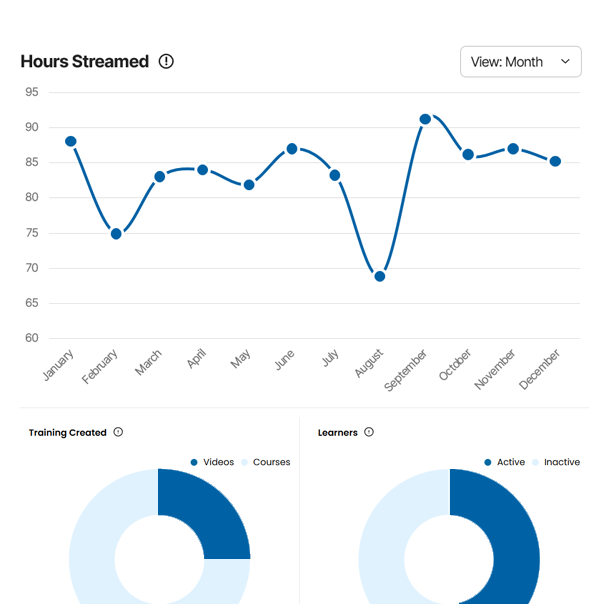
Track Engagement
Leaner data & reporting
Private comments & feedback
Frequently Asked Questions
Trusted by these teams.