Kitchen Onboarding in 3 Hours
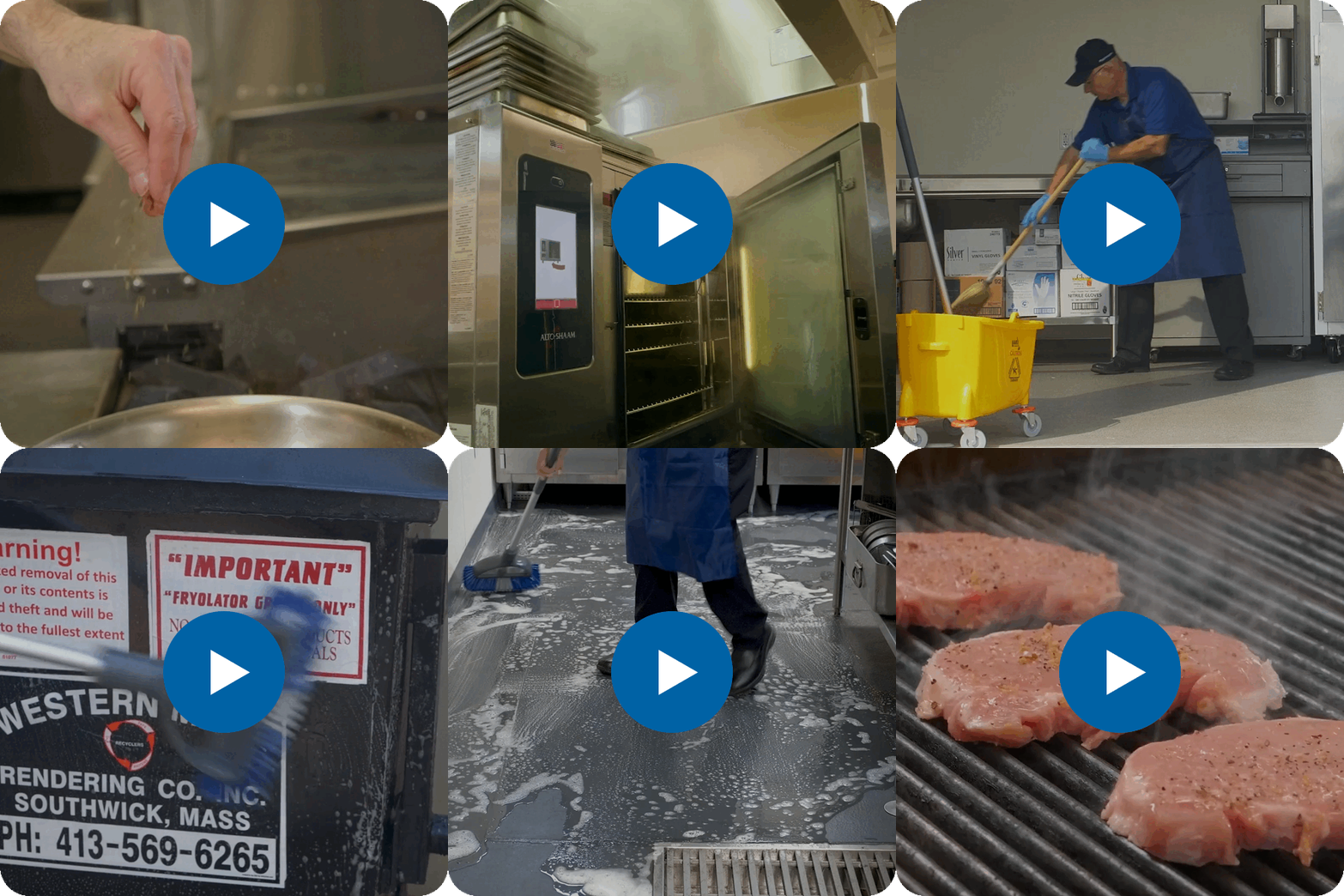
Get your new hires onboarded faster. In this ready-to-use training package, we provide videos and courses to get frontline kitchen staff with essential food safety, sanitation, and operational fundamentals.
Already a customer? You can add this collection to your library and be up-and-running in minutes.
Get started for as low as $275
"*" indicates required fields
Preview the Courses
What's Included

How to Roll Out Kitchen Onboarding in 3 hours
FOR MANAGERS / ADMINISTRATORS
How to setup:
- Ensure all new hires are added as Users in Pineapple Academy with their own access code. Make sure they know what their access code is.
- Add this package, "Kitchen Onboarding in 3 Hours", to your Library.
- In My Library, click on the title or thumbnail of "Kitchen Onboarding in 3 Hours" to access the Details page.
- Before sharing with your team, preview the content by clicking "Preview" or scrolling down to the "Units" section.
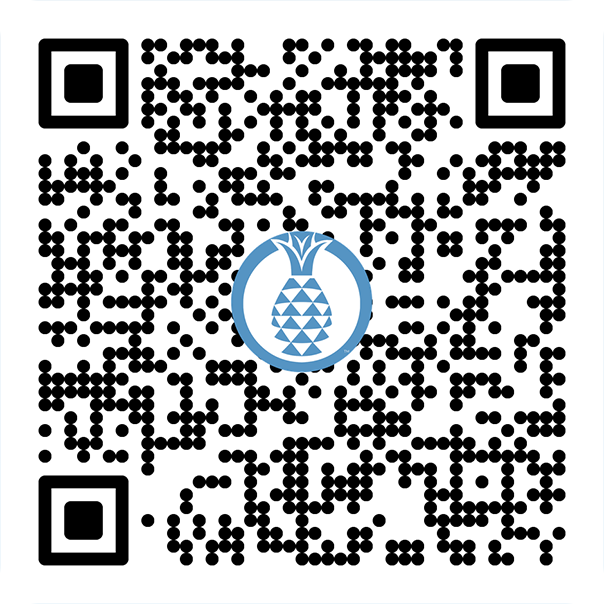
- Share with your new hires by clicking "Download" from the Details page and selecting one of the options. "Download PDF" will export the QR code to an easy-to-print sheet. We recommend hanging a sheet with the QR code in a prominent place, such as the break room. You should only need to do this once.
- Save the "Skills Check Template" under "Units" on the Details page and print a copy for each new hire.
FOR TRAINERS
Onboarding new hires:
- Confirm that the new hire has been setup with an access code to Pineapple Academy.
- Get a printed copy of the "Skills Check Template" from your administrator for each new hire.
- Show each new hire how to scan the QR code for "Kitchen Onboarding in 3 Hours" using the poster and using their access code to begin the training. This can be done using most any mobile device/smart phone with a camera.
- Encourage the new hire to take one course per day (about 20-25 minutes) before they begin their shift.
- After each course is complete, use the Skills Check Template to walk through a skills demonstration with the new hire.
- After all courses have been completed and all skills have been demonstrated, sign the Skills Check document for that new hire and file it for future reference.
Recommended training schedule:
- Shift #1: Personal Hygiene Fundamentals
- Shift #2: Foodborne Illness & Cross Contamination
- Shift #3: Temperature Control & Documentation
- Shift #4: Cleaning, Equipment & Workstation Standards
- Shift #5: Storage & Inventory Discipline
- Shift #6: Workplace Safety & Environmental Controls
- Shift #7: Emergency Readiness & Risk Prevention
After completing this training, new hires should be equipped with the fundamentals they need to competently navigate the kitchen.
Key Competencies
- Demonstrate the 6-step proper handwashing technique in accordance with CDC and local health department standards.
- Identify approved kitchen attire, including the specific requirements for hair restraints, jewelry limitations, and nail hygiene (polish and length).
- Select the appropriate glove type based on the specific culinary task and potential allergen risks.
- Execute proper gloving procedures, including when to change gloves and how to avoid "false security" contamination.
- Recognize and mitigate common cross-contamination triggers caused by improper glove use or poor hygienic practices.
Key Competencies
- Identify the "Big 3" Hazards: Distinguish between biological, physical, and chemical foodborne threats, specifically identifying common high-risk chemicals found in commercial kitchens.
- Master the Temperature Danger Zone: Define the specific temperature range where bacteria thrive (41F to 135F) and demonstrate proper cooling and heating techniques to keep food safe.
- Interrupt Cross-Contamination: Implement industry-standard barriers, such as color-coded equipment and proper storage hierarchy, to prevent the transfer of pathogens from raw to ready-to-eat foods.
- Apply Infection Prevention: Execute proper handwashing, glove usage, and "no-touch" techniques to minimize the risk of viral and bacterial transmission.
- Protect Vulnerable Populations: Recognize why residents in Senior Living and Healthcare are at a higher risk for complications from foodborne illness and apply heightened vigilance to their daily prep.
Key Competencies
- Calibrate and Use Thermometers: Demonstrate the correct method for checking internal food temperatures using a digital or dial-probe thermometer.
- Execute Safe Cooling Procedures: Identify the two-stage cooling process required to move food safely through the "Danger Zone."
- Maintain Accurate Logs: Complete temperature documentation for both food items and equipment (walk-ins/reach-ins) with 100% accuracy.
- Validate Dish Machine Sanitation: Verify that the dish machine is operating at the correct wash and rinse temperatures to meet health safety standards.
- Identify Corrective Actions: Determine the immediate steps to take if food or equipment temperatures fall outside of the safe range.
Key Competencies
- Execute Proper Warewashing: Demonstrate the correct 5-step process (Scrape, Wash, Rinse, Sanitize, Air Dry) using a 3-compartment sink.
- Maintain Compliance Logs: Accurately monitor and record temperatures for dish machines and chemical concentrations for manual sanitation.
- Manage Cross-Contamination: Identify and separate non-food items from food-contact surfaces to prevent chemical and physical hazards.
- Organize for Safety: Apply proper storage techniques for smallwares and equipment to prevent re-contamination after cleaning.
- Master Inventory Standards: Correctly date, label, and rotate items in dry storage rooms using standard safety protocols (e.g., FIFO).
- Uphold Professionalism: Maintain a clean-as-you-go workstation that meets the high-regulatory standards of healthcare and hospitality environments.

Key Competencies
- Implement FIFO: Correctly apply the "First In, First Out" rotation method to all incoming and existing inventory to prevent spoilage.
- Master Walk-in Organization: Identify the designated storage zones for different food categories (e.g., proteins, produce, prepared items) to prevent cross-contamination.
- Maintain Climate Integrity: Demonstrate proper entry/exit protocols for walk-in refrigerators and freezers to maintain stable internal temperatures and food quality.
- Execute Labeling Standards: Apply clear and accurate labels (Item Name, Date, Initials) according to facility policy.
- Identify Red Flags: Recognize signs of improper storage, such as freezer burn, "danger zone" temperatures, or compromised packaging, and know how to report them.
Key Competencies
- Neutralize Physical Hazards: Demonstrate the "3-step response" to spills and floor obstructions to prevent slips, trips, and falls in high-traffic zones.
- Manage Thermal Safety: Identify the correct PPE and handling techniques for various hot surfaces (stoves, ovens, and steam tables) to eliminate contact burns.
- Practice Proactive Ergonomics: Apply proper lifting, reaching, and repetitive motion techniques to reduce musculoskeletal strain during long shifts.
- Maintain Chemical & Water Integrity: Distinguish between potable and non-potable water sources and execute the safe storage/labeling of cleaning chemicals per SDS standards.
- Execute Environmental Defense: Identify early signs of pest activity and follow reporting protocols to maintain a sterile, compliant kitchen environment.

Key Competencies
- Identify Critical Hazards: Recognize various types of disasters (natural, man-made, and medical) and the specific risks they pose to a commercial kitchen.
- Execute Emergency Roles: Define their specific responsibilities during a crisis to ensure a coordinated and efficient team response.
- Master Fire Suppression: Demonstrate knowledge of fire safety protocols specifically designed for commercial kitchens, including the use of Ansul systems and extinguishers.
- Implement Safety Audits: Utilize standard safety audit tools to proactively identify and mitigate hazards before they lead to accidents.
- Prevent Allergen Crises: Apply strict cross-contamination protocols to protect guests with severe food allergies, treating them as a core component of "medical" emergency prevention.
- Respond with Confidence: Navigate evacuation routes and emergency procedures in alignment with facility-specific training standards.
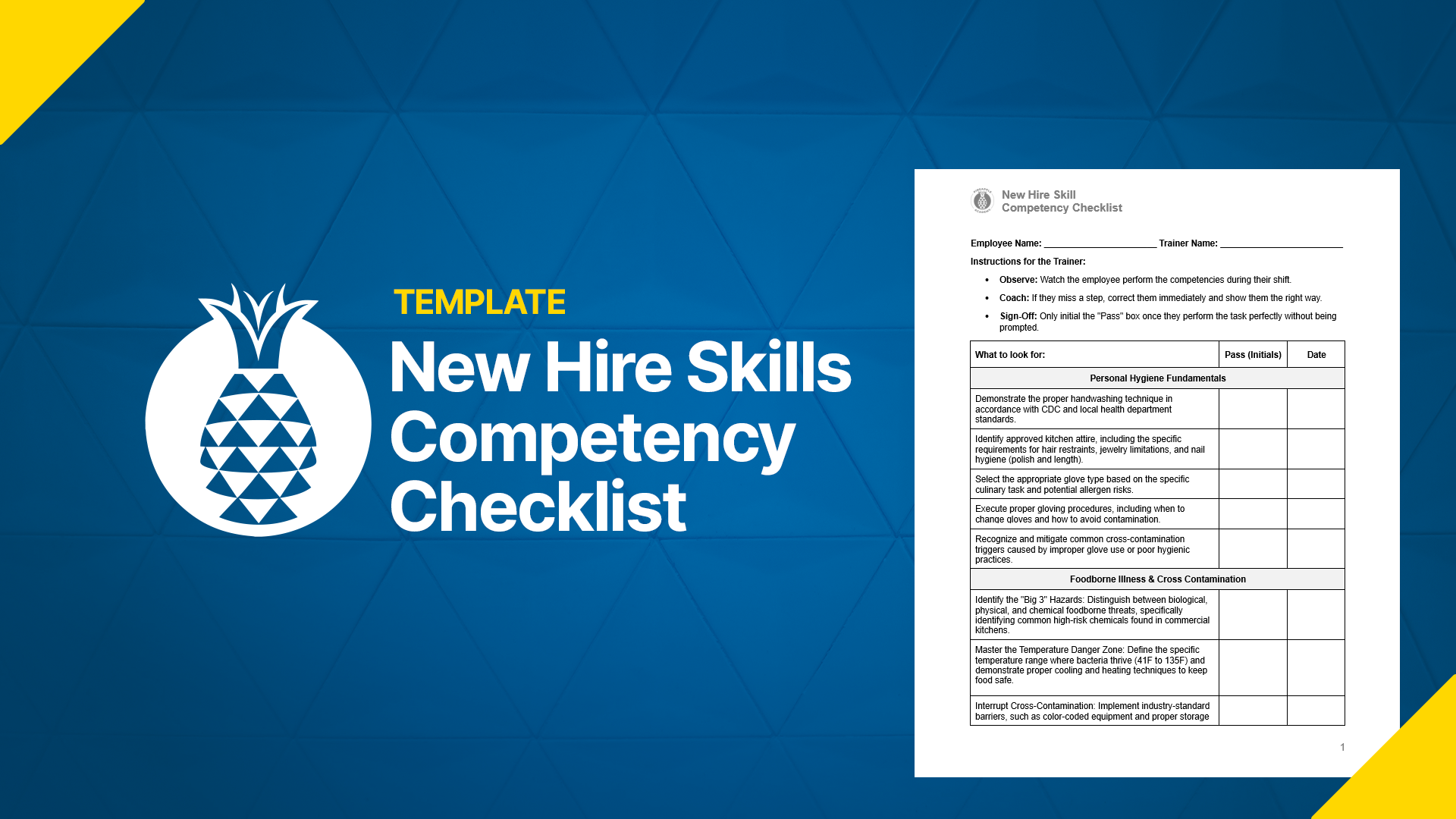
To be used with the Kitchen Onboarding in 3 Hours collection.
This printer-friendly template is for trainers to use to evaluate each new hire. This ensures new hires can demonstrate competencies covered in the Kitchen Onboarding in 3 Hours collection.
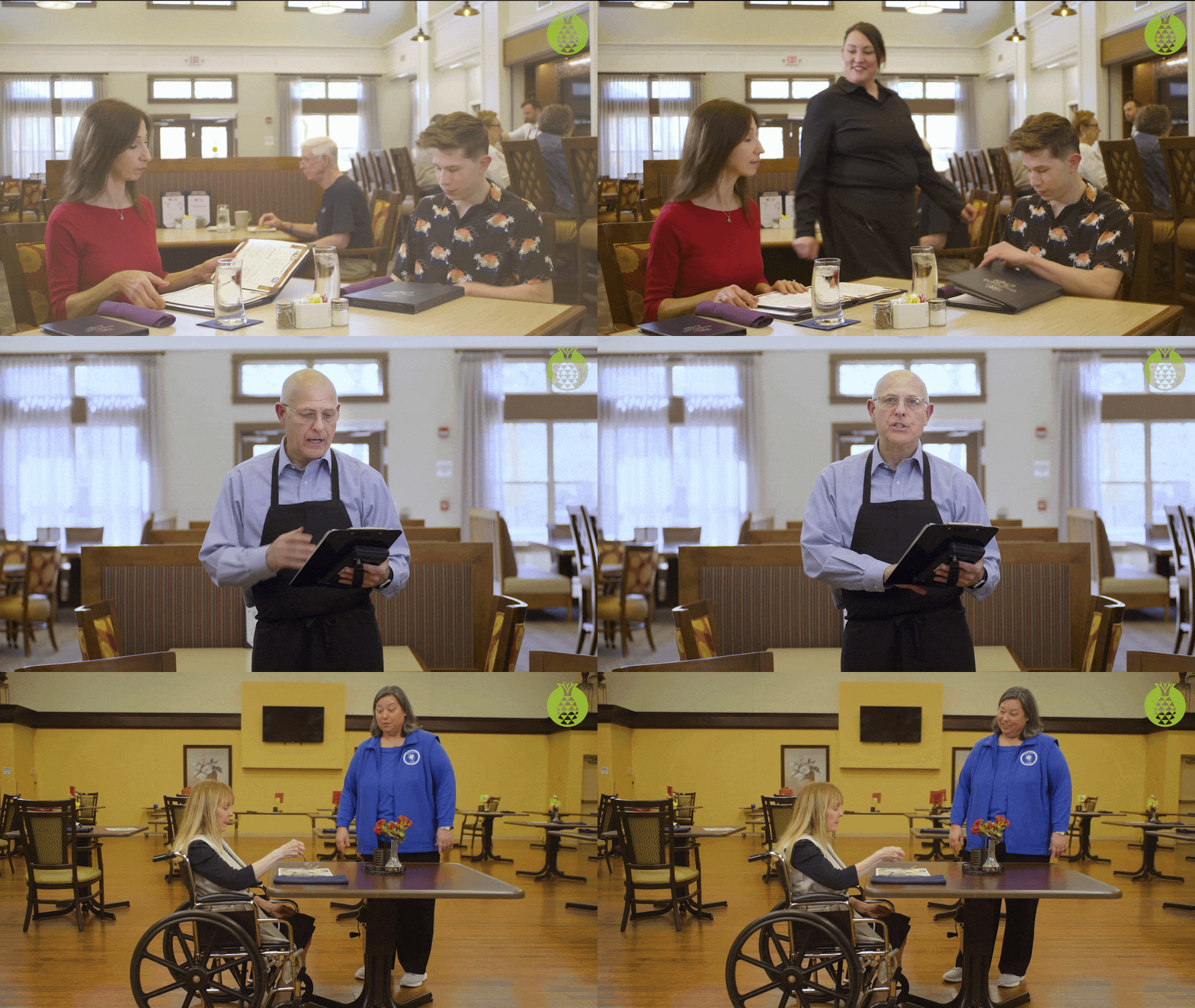
Dining Service Onboarding in 3 Hours
Starter
- Built for teams of 15 or less
- Thousands of ready-to-use training videos and courses
- Easy sharing via QR codes, links, posters, or your existing LMS
- Unlimited users and full reporting capabilities
- Support via email and Office Hours sessions
Team
- Built for teams of 50 or less
- Thousands of ready-to-use training videos and courses
- Easy sharing via QR codes, links, posters, or your existing LMS
- Unlimited users and full reporting capabilities
- Two live onboarding sessions + Email Support + Office Hours
Location
- Built for teams of 100 or less
- Thousands of ready-to-use training videos and courses
- Easy sharing via QR codes, links, posters, or your existing LMS
- Unlimited users and full reporting capabilities
- Two live onboarding sessions + Email Support + Office Hours
Looking for more? Contact our team for Enterprise pricing.
How it works.
Provide Access
QR Codes / Hyperlinks
Stream to any LMS
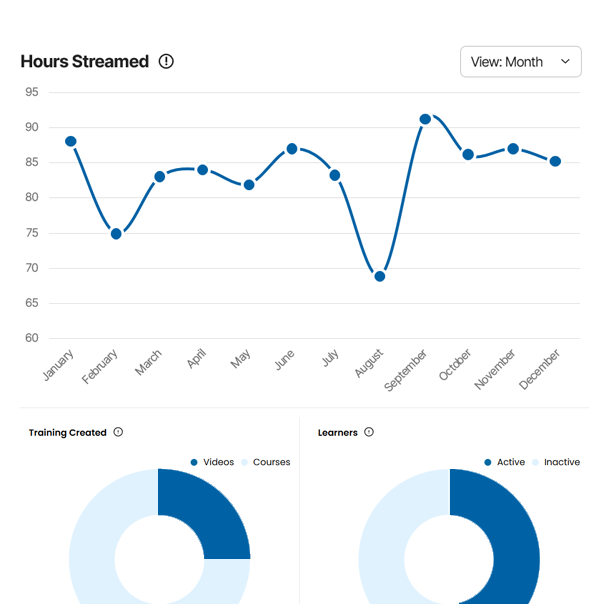
Track Engagement
Leaner data & reporting
Private comments & feedback
Frequently Asked Questions
Trusted by these teams.